Pack active
Your pack is ready.
Book classes in the Botle app in four steps.
-
 1
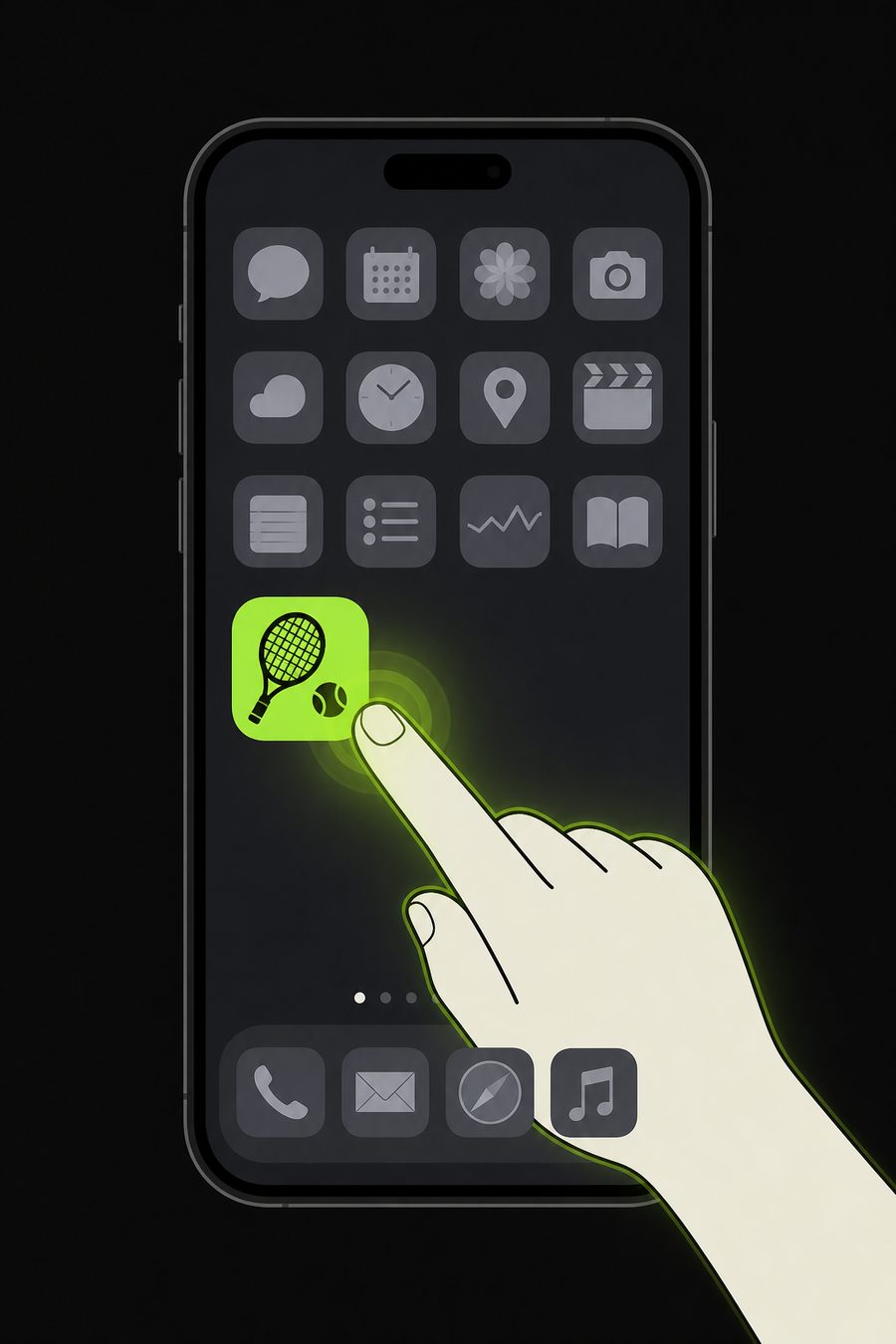
1Open Botle
Launch the app on your phone.
-
 2
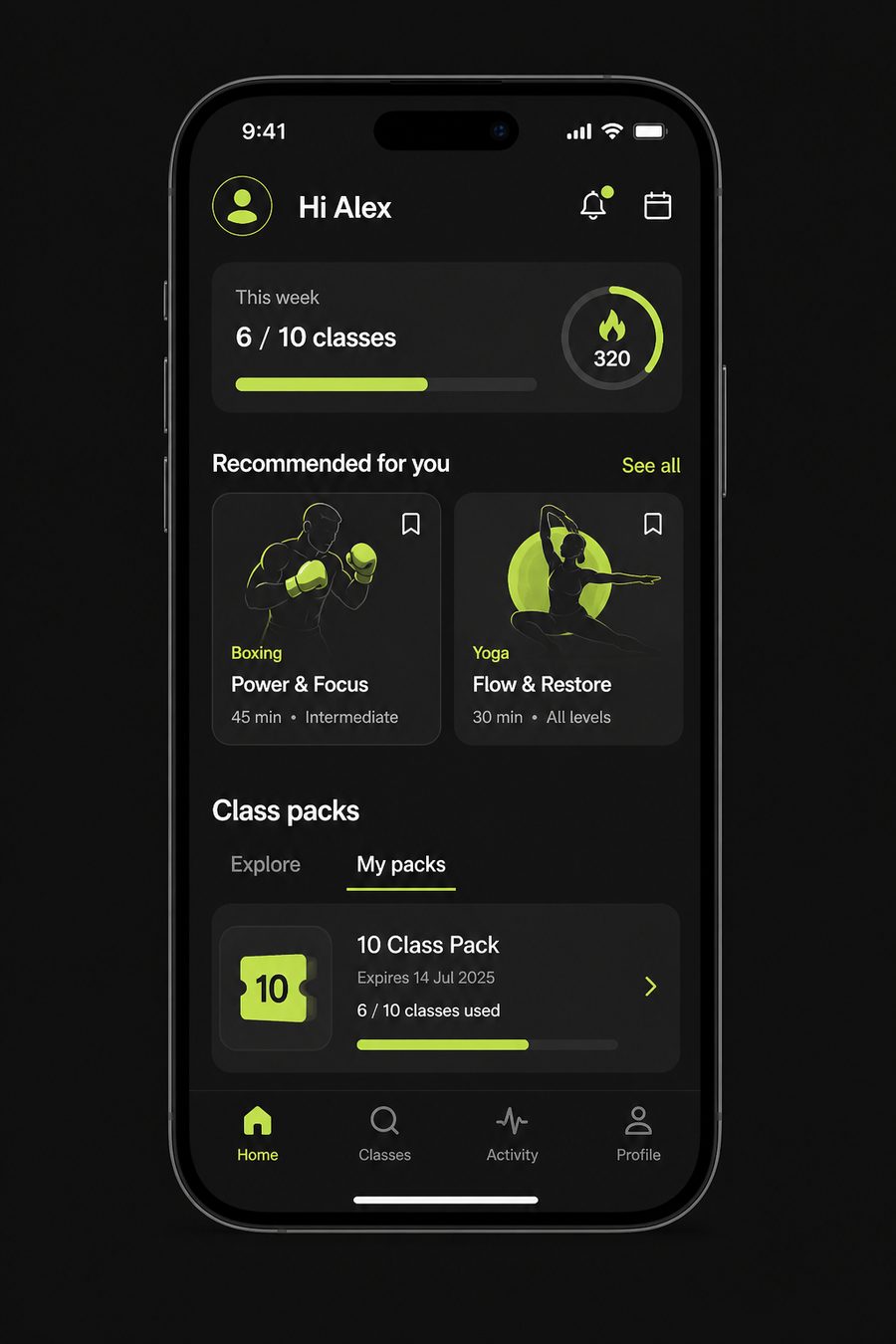
2Open My packs
Scroll to Class packs, then tap My packs.
-
 3
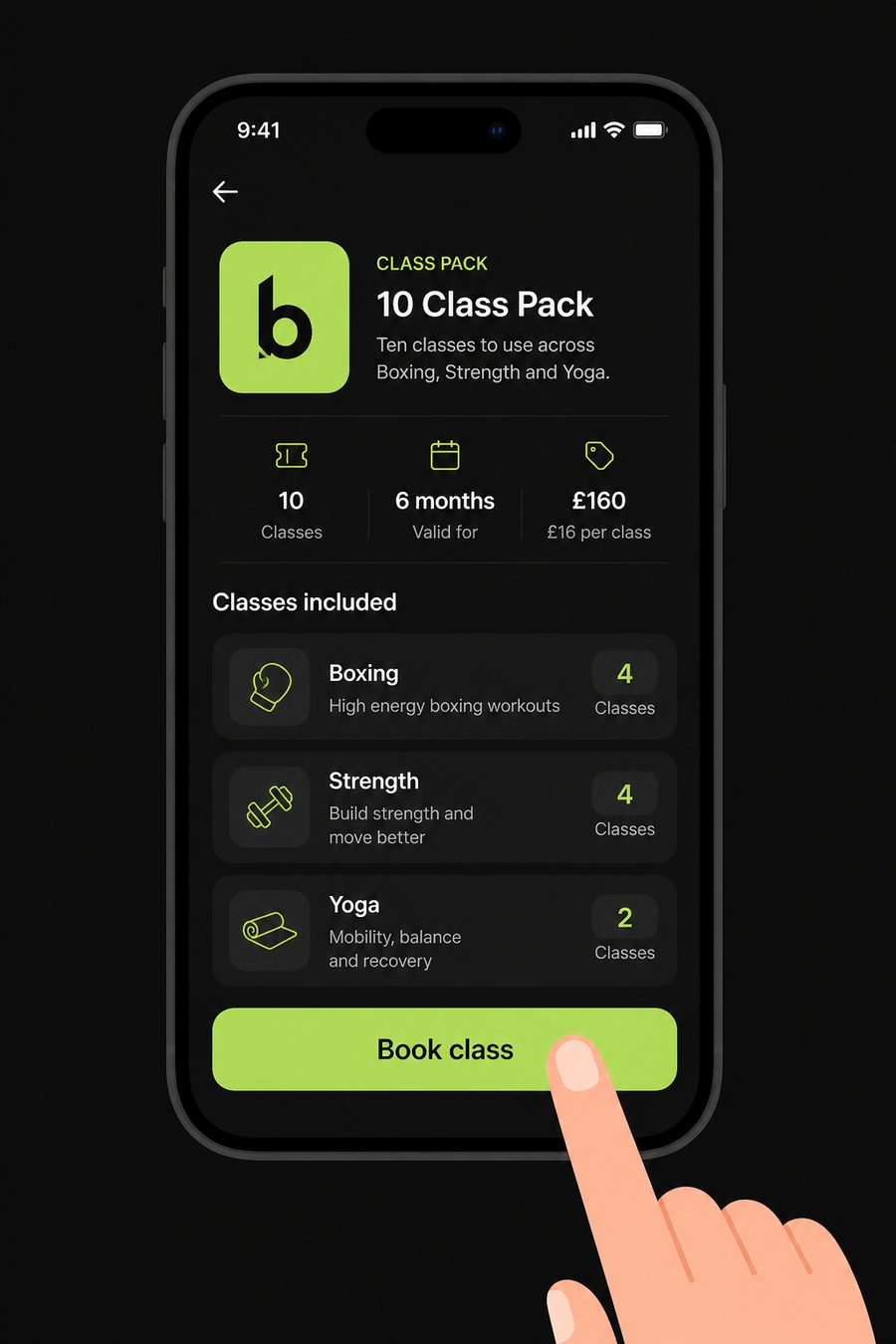
3Tap Book class
Choose the pack you just bought.
-
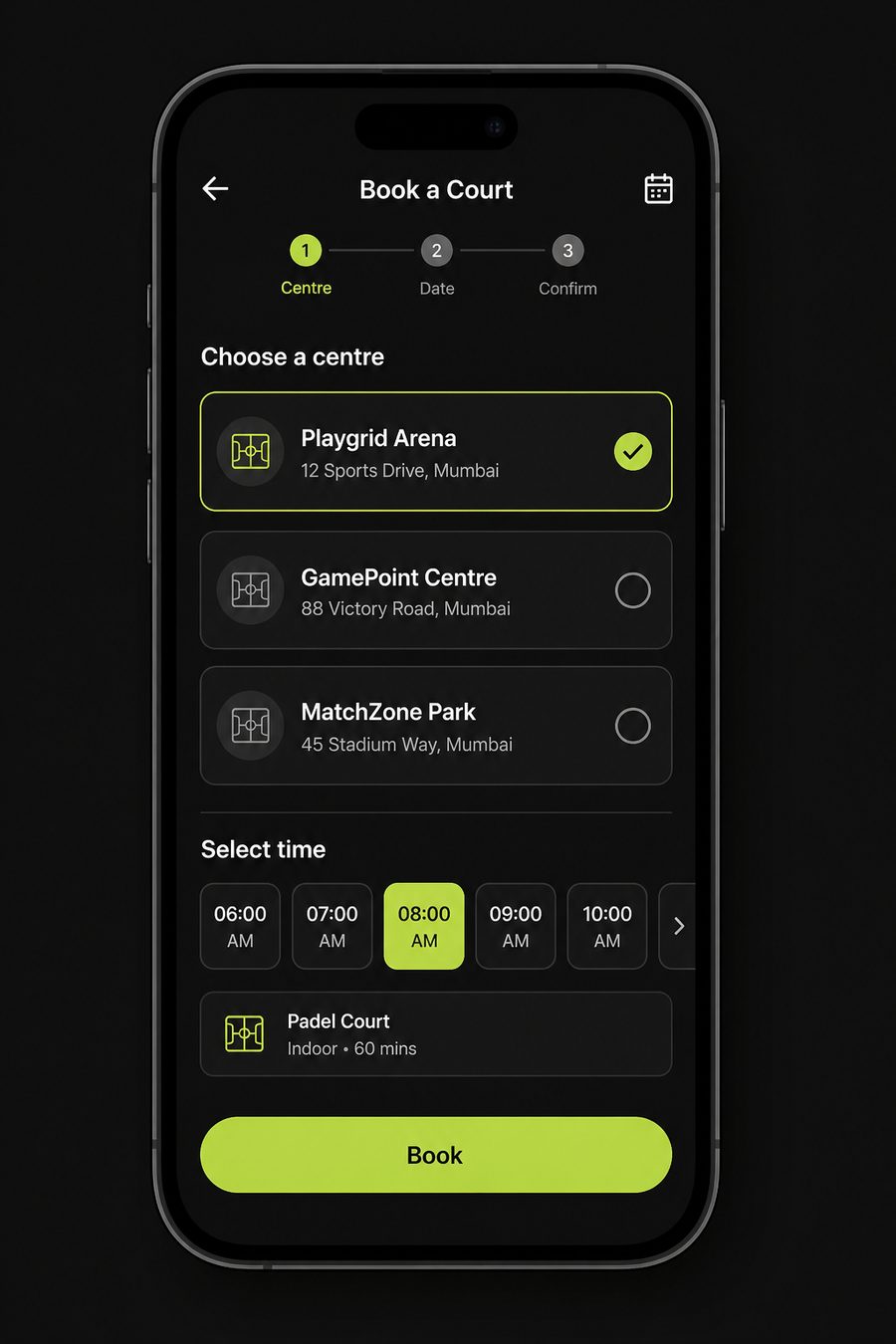 4
4Pick centre & time
Select a centre, choose a slot, and book.